Multiple independent widgets
Create different widgets for different interests, each with its own feeds, refresh schedule and appearance.
Keep up with the sites you care about without opening a separate reader. RSS Widget puts a compact, configurable feed view directly on your Android home screen.
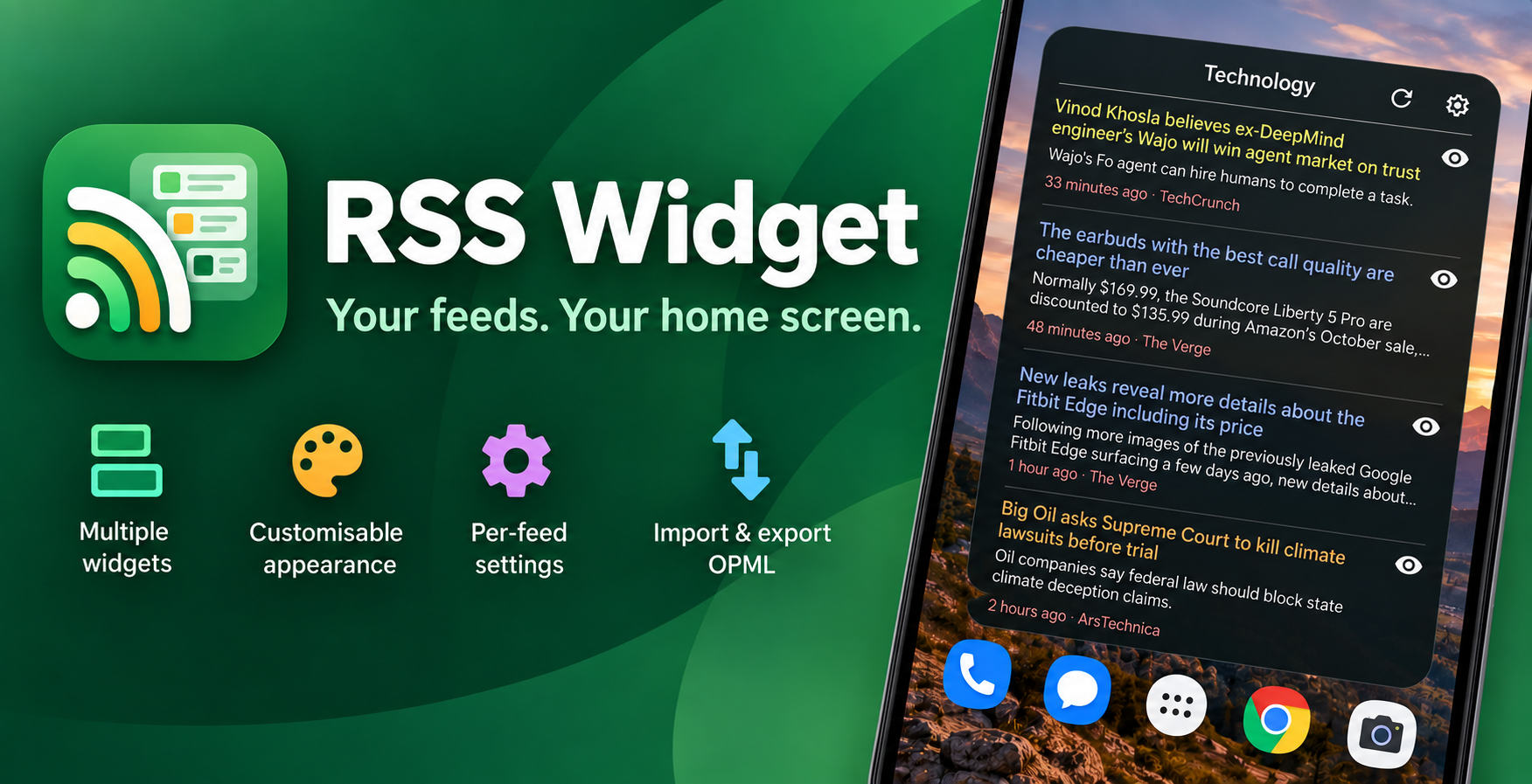
Configure each widget independently, mix several feeds together, and decide exactly how much information you want to see at a glance.
Create different widgets for different interests, each with its own feeds, refresh schedule and appearance.
Adjust colours, typography, spacing, themes and the amount of article text shown on the home screen.
Give feeds custom names and colours, set individual entry limits, reorder them and optionally group articles by source.
Bring subscriptions in from another RSS reader and export feed lists together with RSS Widget-specific settings.
Use the preview control to see the full feed description and available image before deciding whether to open the article in your browser.
The widget stays focused on text and information density. Article images are loaded only when you request a preview instead of slowing down every refresh.
RSS Widget is built for scanning recent stories quickly. Read the summary, preview an article when you want more context, then open the publisher's page in your preferred browser.